
On this page
Some players have spent years and years enjoying Fortnite. So, by checking your account creation date, you can reminisce about the good old days; it’s also a great way to track your milestones and assess progress over time!
How to Find Account Creation Date?
Remember that if you didn’t have an Epic Games account before installing Fortnite, your Fortnite account creation date will be the same as the Epic Games account creation date (you need the platform to enjoy the shooter).
The good news is that there are several methods you can use to track down your account creation date. Here are a few options you can try out:
- Read Welcome Email
As with most other games nowadays, you should receive a welcome email when installing and registering your Fortnite account. Since some players created a Fortnite account many years ago, it might be tricky to track the email down. Here’s what you must do in that case:
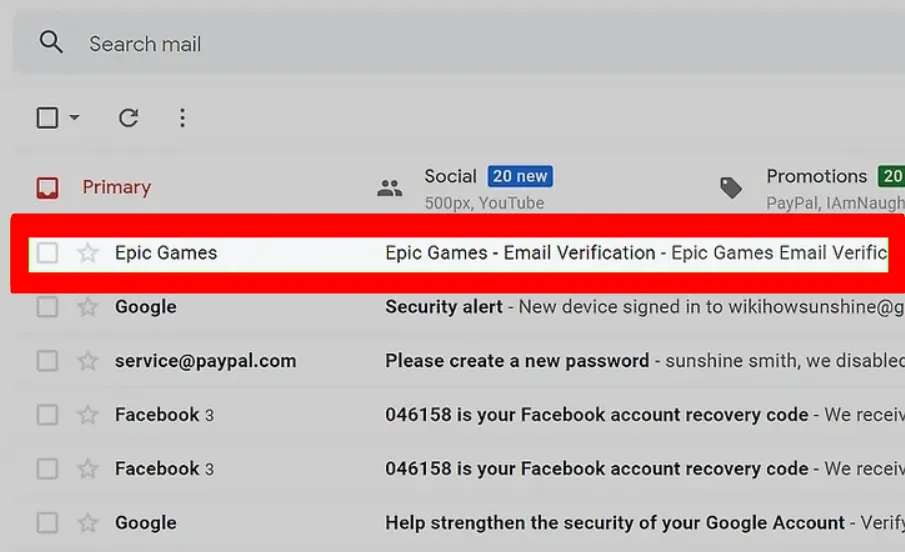
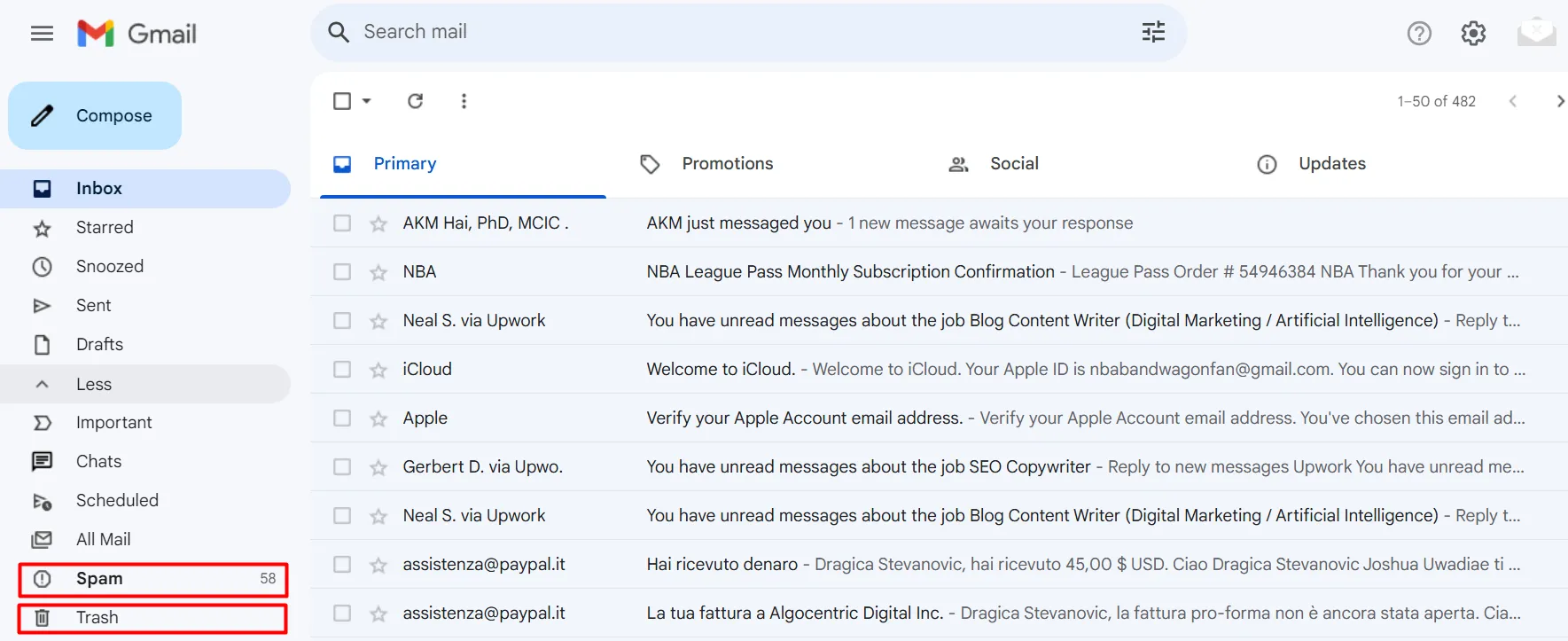
- The search box is your friend. You can try out phrases like “Epic Games” or “Fortnite” to retrieve all emails you’ve received over the years. Hopefully, there aren’t many of them.
- Since this is a generic message, many players have deleted it. So, there’s a chance that the email is in your “Trash” folder. Alternatively, you might want to check your “Spam” or “Promotional” folders.
You might also like
- If you often buy skins and make other purchases, this can give you an idea of when you started playing the game. Of course, this also depends on when you made the first purchase (it might’ve happened a few years after registration).
Once you find the email in question, all you need to do is check the date, and that’s that!
- What About Customer Support?
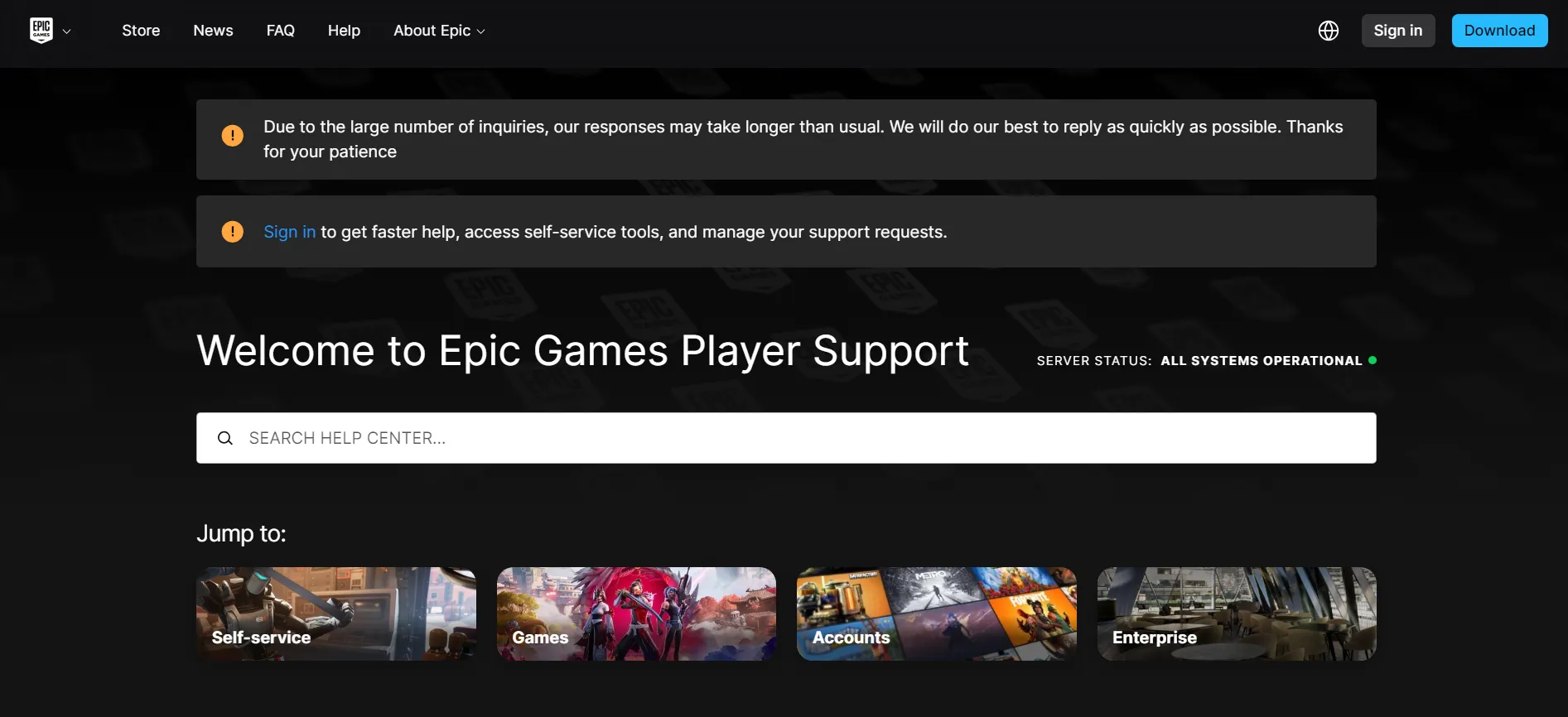
You might expect Epic Games support to simply look the date up for you, but they won’t. Epic’s own help center states that, for security reasons, Epic Games Support is unable to share your account creation date, and points you to the welcome email instead (method 1 above).
Support is still worth contacting for other account problems, for example if you’ve lost access to the email address on the account and therefore can’t search it for the welcome email.
Keep in mind that if you merged accounts in the past, the welcome email you find may belong to your second account rather than your primary one, so check which address each email was sent to.
- Use Game Launcher
This method lets you see when you’ve created your Epic Games account. Of course, this approach is pretty useless if you’ve registered an Epic Games account before getting Fortnite:
- Open the launcher on your PC.
- A “Profile” icon is in the upper right corner; click on it.
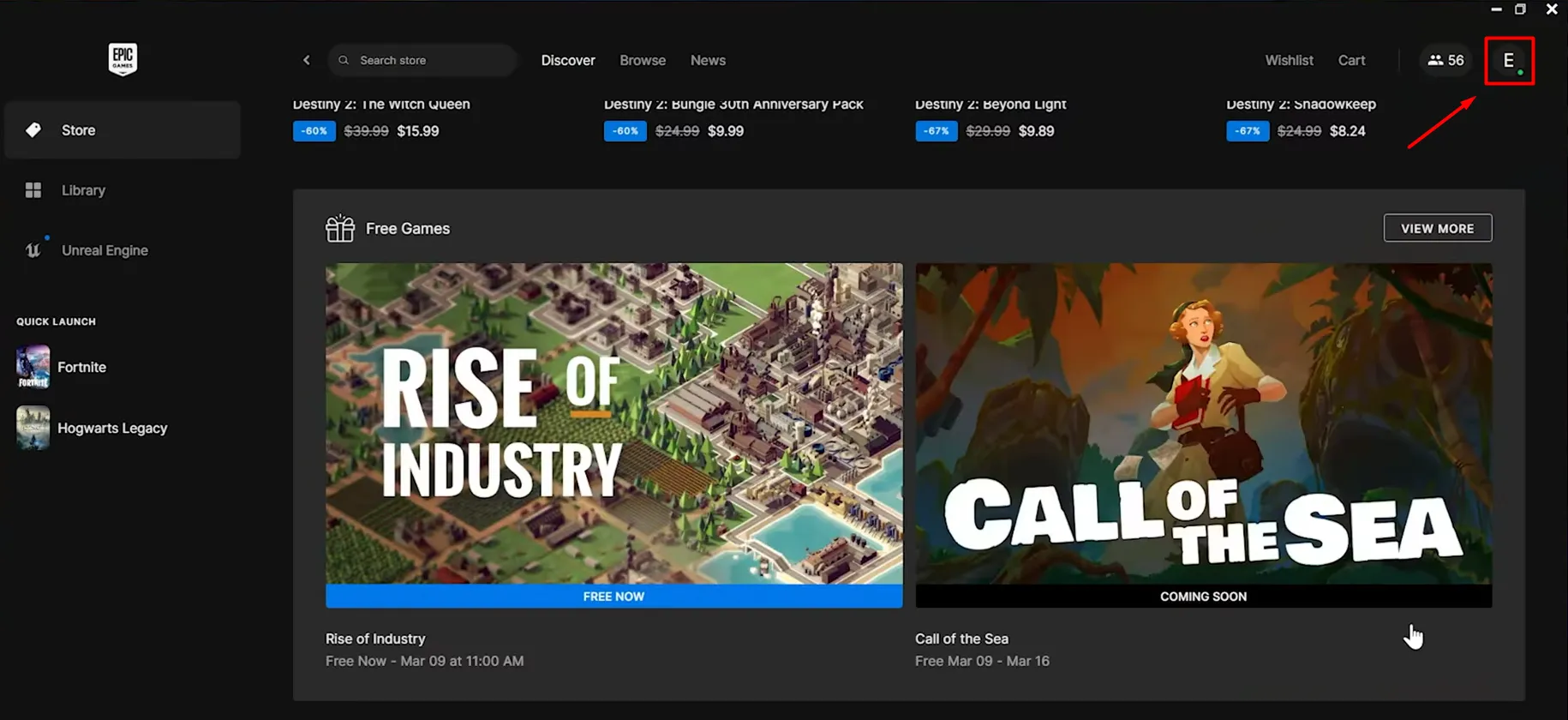
- Select “Account” from the drop-down menu and then go down until you reach the “Account info” section.
- You must click the “Download a copy of the information you’ve shared with us” button.
After finishing these steps, you’ll get an email that contains all your relevant account details, including the account creation date.
- Epic Games Account Website
This is one of the less reliable methods for discovering your Fortnite account creation date. Here’s what you must do:
- First, visit the official Epic Games website: https://www.epicgames.com/
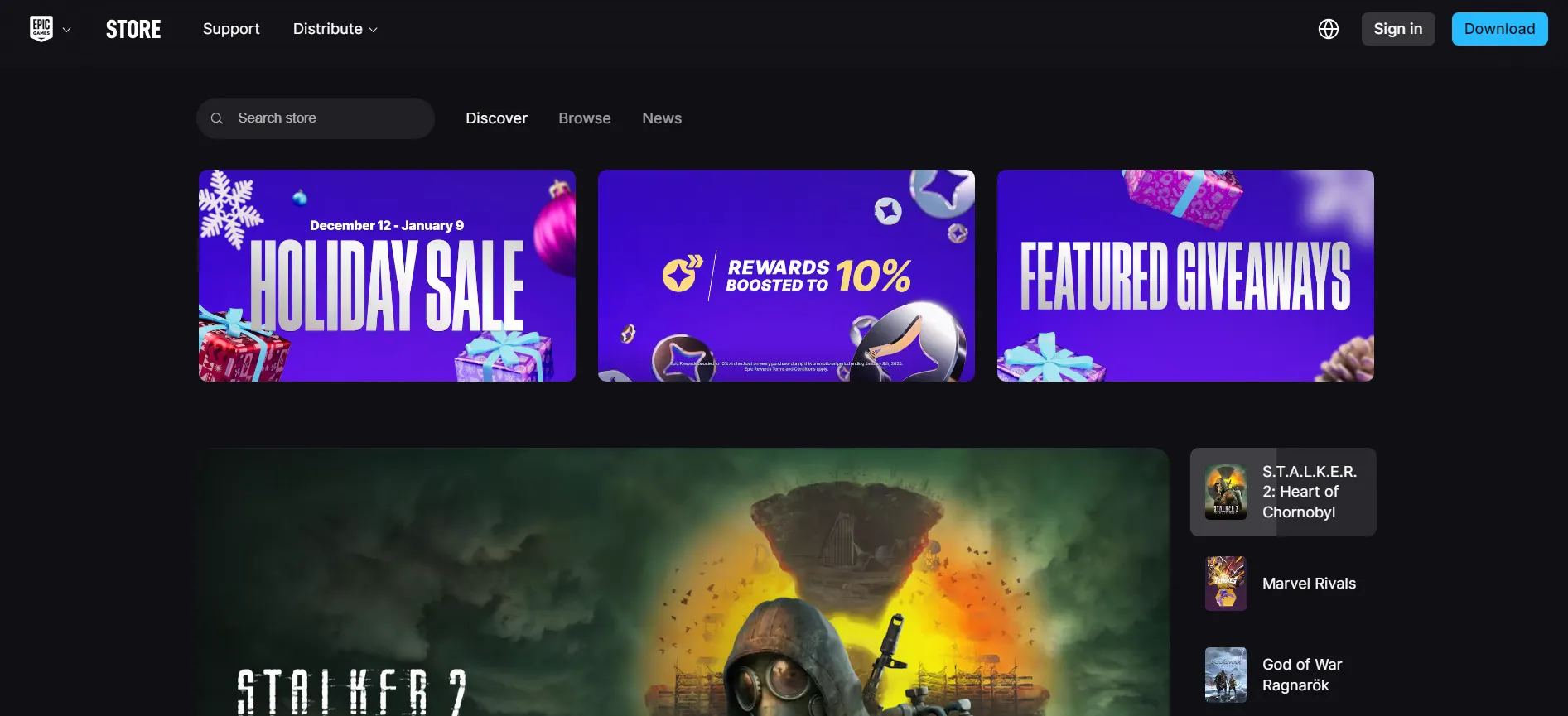
- Sign in to your account and click on your profile icon, as shown in the third section.
- Go to “Account” and then open the “General” tab.
- You should be able to spot the “Joined” date as one of the pages' info.
Why Does Account Age Matter?
As mentioned, the main reason you should check your account creation date is to reminisce about the “good old days.” Time flies when you’re pawning noobs in Fortnite, so every once in a while, you might want to remember when it all started.
However, checking your account age has a much more functional purpose. For example, you might use this information to settle certain financial matters or determine when you started buying Fortnite skins. Although this rarely happens, someone might make accusations against you involving your Fortnite account.
Knowing when the account was created can help you sell it faster on digital item marketplaces. Buyers prefer older accounts, so you might boost your asking price by retrieving this information.